How to Use WebM Tokens in Roll20
Prepare, upload, place, size, and test transparent WebM character tokens in Roll20 while keeping a static fallback for reliable play.
Practical answer
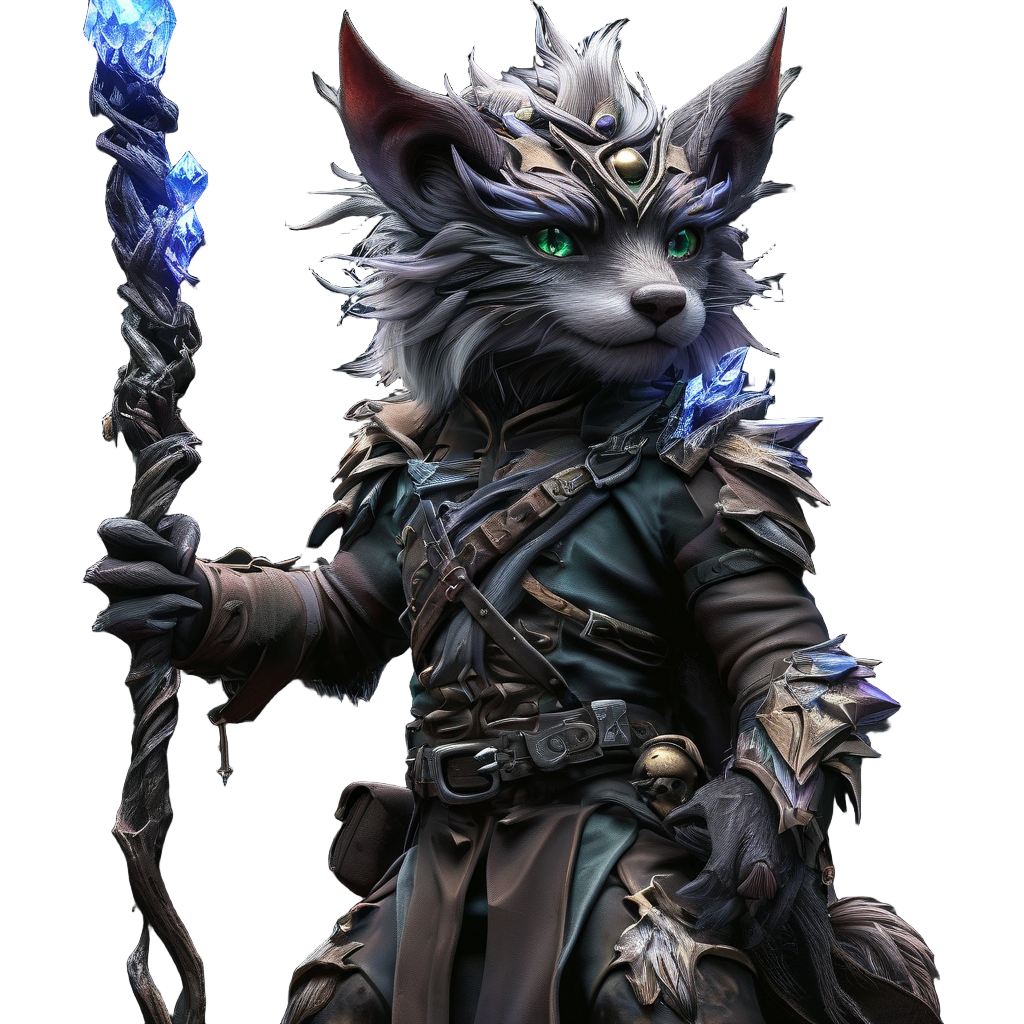
Roll20 can use animated WebM assets directly, so a Folosa token does not need a Foundry module wrapper. The reliable path is to download the Roll20 delivery, upload the transparent WebM, place it at the intended grid size, and verify playback in the browser used for the session.
Create for Roll20 rather than a generic video player
Select Roll20 as the target when submitting the Folosa task. Build, Prompt, and Upload remain the three input modes, and only the active mode is sent. Standard VTT is the sensible starting quality for normal map tokens; larger outputs are useful when the creature will occupy several squares or the asset also needs a high-detail master.
Ask for one looping action with a readable silhouette. Roll20 players usually see tokens at small map scale, so a controlled weight shift, wing beat, weapon-ready pose, or spell pulse communicates better than a camera move that changes the subject's apparent size.
Download and identify the correct files
The animated delivery is a transparent WebM. The matching static WebP or PNG is not redundant: it can serve as a preview, handout image, fallback, or replacement in a crowded scene. Keep both files and the Folosa task ID together.
Do not upload a ProRes MOV as the normal tabletop asset. ProRes 4444 is an optional Creator editing master generated from an eligible completed HD or 4K task. It is intended for editing software, trailers, and archives; WebM is the practical browser playback format.
Upload, place, and size the token
- Open the Roll20 game and upload the WebM through the supported asset upload workflow.
- Drag the asset onto a test page rather than the live encounter first.
- Set the token's grid dimensions and confirm the character remains recognizable.
- Check playback after zooming to the level players will use.
- Attach or organize the token according to the character workflow used in your campaign.
Keep the canvas square and the visible character centered enough that the requested movement does not disappear at the token boundary. If the subject is tiny at one grid square, use a tighter source crop or assign a larger token size instead of relying on browser zoom.
Test with a representative player browser
The GM's computer is not the only performance target. Ask one player with a typical device to open the test page and confirm that the asset downloads, remains transparent, loops, and does not cause visible scene slowdown. Browser cache can make the second test look better than the first, so include a fresh-session check when diagnosing load time.
| Symptom | First check |
|---|---|
| Solid background | Confirm the delivered file is the transparent WebM, not a flattened preview. |
| Token appears too small | Check source composition and assigned grid dimensions. |
| Slow first load | Compare file size, network, and cached replay. |
| Busy encounter stutters | Replace background characters with static fallbacks or smaller WebM files. |
Keep the campaign library reusable
Name animated and static variants consistently so you can identify the character without opening every asset. Organize by campaign, encounter, or creature family, and retain the original Folosa download outside Roll20 as a backup.
If the same character is also used in Foundry, keep the visual identity but use the target-specific delivery: direct WebM for Roll20, or the Foundry package and Bridge workflow for Actor creation. Regenerating the character is unnecessary when the completed task already contains compatible assets.
FAQ
Do I need a Foundry ZIP for Roll20?
No. Roll20 uses the delivered WebM directly. The Foundry ZIP is for Foundry module and import workflows.
What resolution should I try first?
Use the Standard 512p WebM for a normal token. Test HD only when the token is displayed larger or the extra detail is visible at the intended map scale.
Why keep a static image?
It provides a reliable portrait, preview, and low-overhead fallback when a browser or complex scene does not handle the animated asset well.