How to Prepare a Boss Encounter With Animated VTT Assets
Prepare a boss token, minions, spell overlays, map moments, performance checks, and fallbacks for a stronger VTT encounter.
Quick Answer
Prepare a boss token, minions, spell overlays, map moments, performance checks, and fallbacks for a stronger VTT encounter.
Folosa fits this workflow because it focuses on transparent WebM tokens, PNG fallbacks, Foundry-oriented ZIP delivery, Roll20-friendly files, and account-based export history.
Why this matters for VTT play
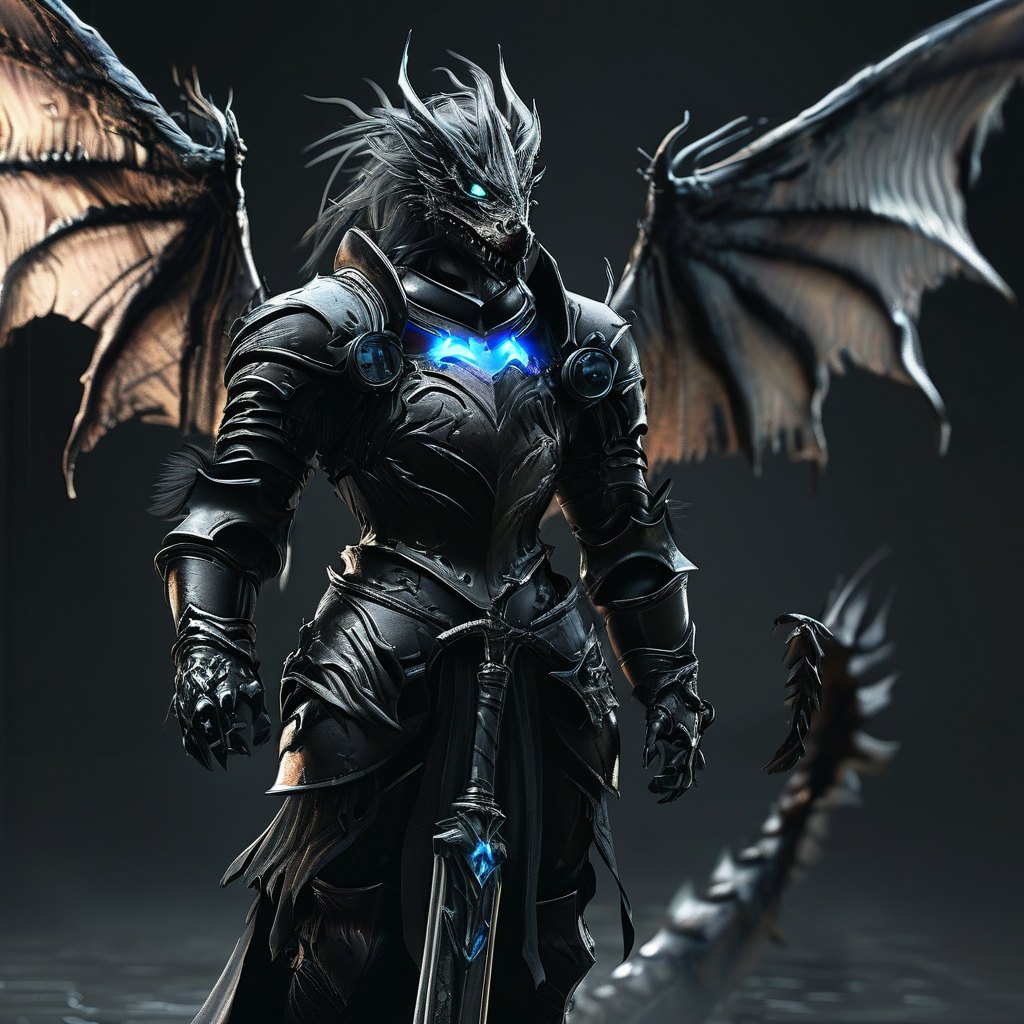
Give the boss the strongest animated signal.
Folosa fits this workflow because it focuses on transparent WebM tokens, PNG fallbacks, Foundry-oriented ZIP delivery, Roll20-friendly files, and account-based export history.
The goal is not generic AI art. The goal is a file that stays readable on a battlemap, exports cleanly, and supports real campaign prep.
How to use the output
Keep minions simpler so the map stays readable.
Keep the live WebM, the PNG fallback, and any ZIP or import notes together. Test the asset in the same platform where the session will run.
What to check before publishing or playing
Use overlays for phase changes, hazards, and signature spells.
Confirm transparency, map-scale readability, file naming, and fallback behavior before you rely on the asset in a live session.
Workflow Checklist
- Give the boss the strongest animated signal.
- Keep minions simpler so the map stays readable.
- Use overlays for phase changes, hazards, and signature spells.
FAQ
What is How to Prepare a Boss Encounter With Animated VTT Assets best for?
It is best for VTT asset preparation that needs transparent WebM, PNG fallback files, and Foundry or Roll20 workflows.
Should I keep PNG fallbacks?
Yes. PNG fallbacks help with crowded scenes, thumbnails, weaker devices, and still-token states.
How does this connect to Folosa?
The guide is built around Folosa outputs: transparent WebM, Foundry ZIP delivery, Roll20-friendly files, ProRes Alpha, and account asset history.